Introduction
Look, I’ve been there.
You spend six hours making a “Digital Planner” in Canva. You think it’s the next big thing. You upload it to your shop, post one pin, and then… crickets. Nothing. Not even a single click.
Honestly? It’s because your design looks “stock.” Here is the deal: People on Pinterest aren’t looking for “tools.” They are looking for an aesthetic. They want their life to look like a high-end coffee shop in London or a minimalist apartment in Tokyo. If your templates don’t give them that “vibe,” they will scroll past you faster than a bad ad.
In this guide, we are diving deep into Profitable Canva Templates to Sell. I’m going to show you how to stop guessing and start creating digital products that actually make people pull out their credit cards. No corporate fluff, just the raw strategy.
The SEO Strategy: What are they actually looking for?
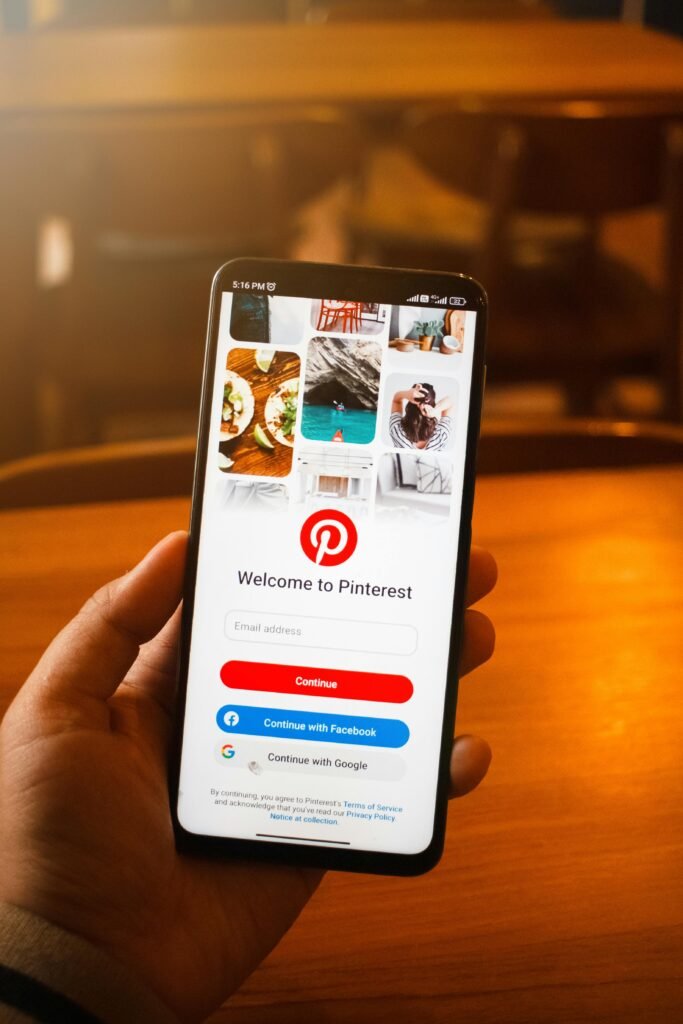
When someone types “Aesthetic Instagram Templates” or “Neutral Budget Planner” into Pinterest, they have a very specific search intent.
They aren’t just looking for a file; they are looking for Time + Transformation. They want to look professional without doing the work. Our job is to rank for Profitable Canva Templates to Sell by showing them that our product is the shortest path to that “Pinterest-perfect” life.
Why Canva Templates are the “Ultimate” Digital Product
Canva is the great equalizer. You don’t need to be a Photoshop wizard with 10 years of experience.
Low Barrier, High Margin
You create the template once. You sell the access link a thousand times. Your only cost is your time and maybe a Canva Pro subscription. Everything else is 100% profit.
The “Aesthetic” Premium
People will pay $27 for a set of templates that “look” expensive, even if they could technically make them for free. You aren’t selling pixels; you’re selling a shortcut to a luxury brand.
Step 1: Hunting for Trends (Stop Making What YOU Like)
The biggest mistake beginners make? Designing what they think is cute.
Look, your opinion doesn’t matter. The data does. Go to the Pinterest Trends tool. Look for rising keywords in the “Design” or “Small Business” categories. Are people searching for “Sage Green Aesthetics”? “Dark Academia”? “Minimalist Productivity”?
That search volume is your goldmine. If the world wants “Sage Green,” don’t try to sell them “Neon Pink.”
Step 2: Designing for the “Click”
A template has to be two things: Beautiful and Usable.
The Font Pairing Secret
Don’t use the default Canva fonts like “Arial” or “Open Sans.” Pair a high-end Serif font (like Cormorant Garamond) with a very clean Sans Serif (like Montserrat Light). This one change can make a $5 template look like a $50 template.
The Color Palette
Stick to “Tonal” palettes. Pick one base color and use different shades of it. It creates a cohesive, professional look that Pinterest users crave.
Use Free Elements
Here is a pro-tip: If you use “Pro” elements in your templates, your customer will have to pay Canva to download them. If you want to sell to everyone, stick to the free elements but use them creatively.
Step 3: The Pinterest Viral Loop
You’ve made the template. Now you need the traffic.
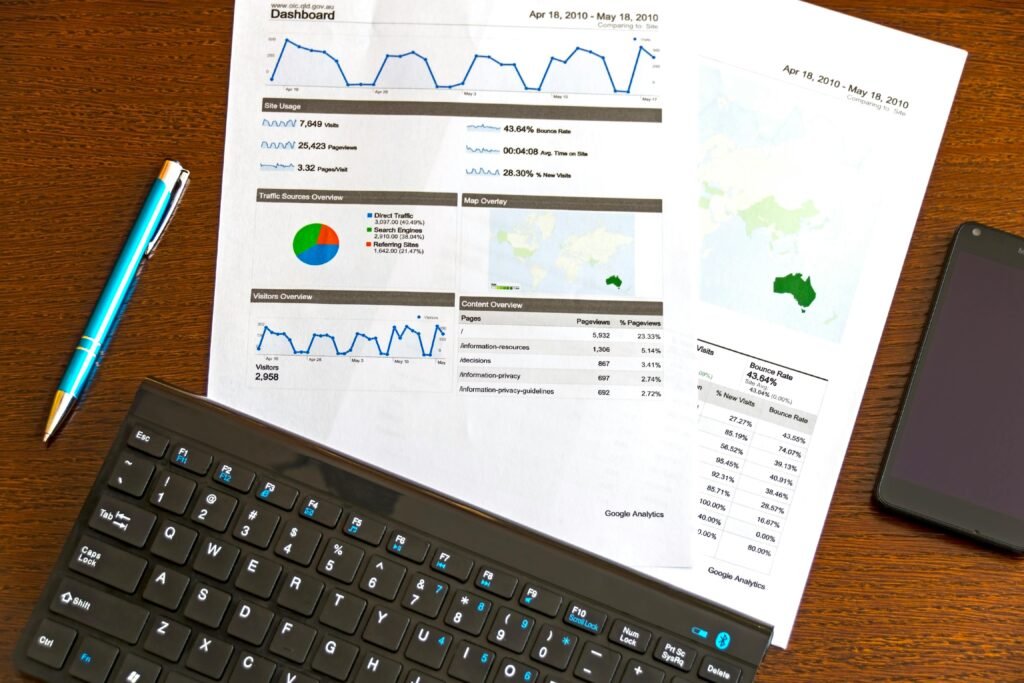
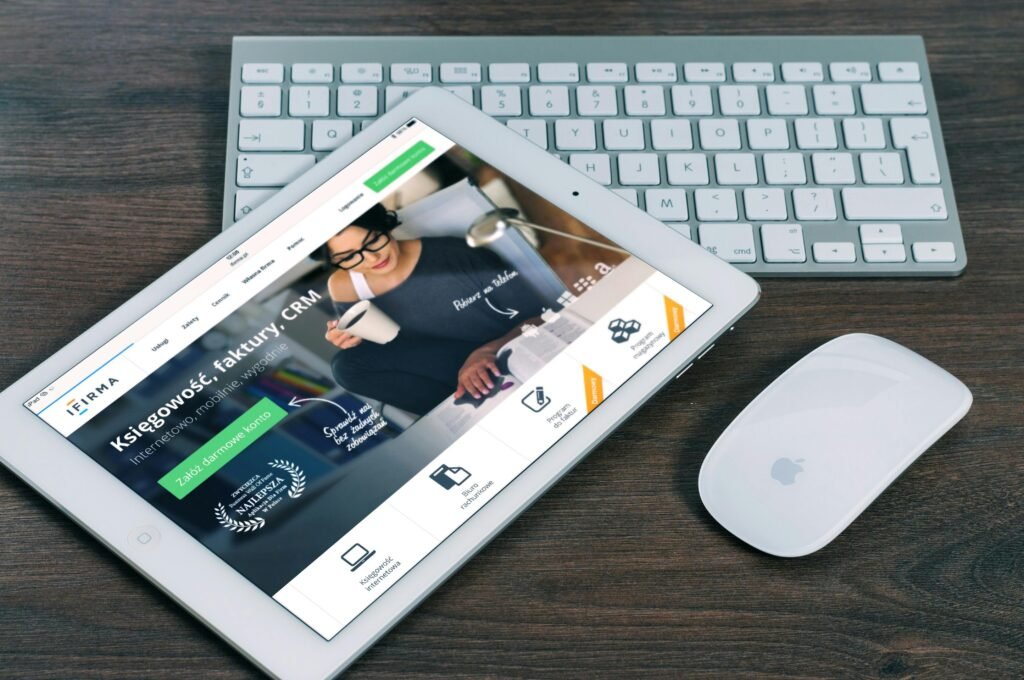
- The Mockup is Everything: Don’t just show a flat screenshot. Put your template on an iPad or iPhone mockup with an aesthetic background (like a marble table or a wooden desk).
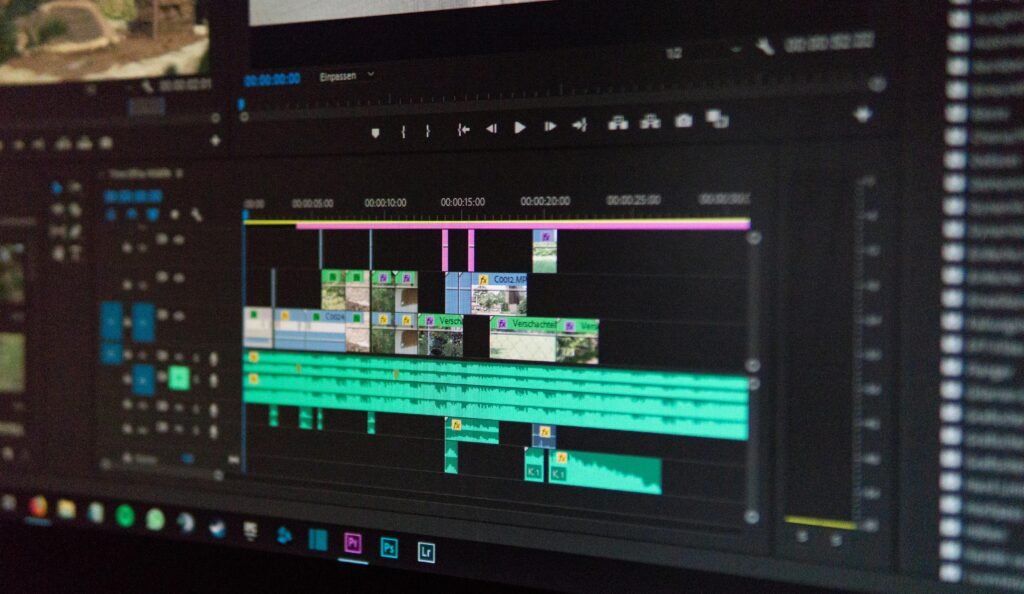
- The Video Hook: Create a 5-second video showing you changing the colors or text in Canva. People need to see how “easy” it is.
- Keyword Stacking: In your Pin description, don’t just say “Buy my planner.” Say: “The ultimate Profitable Canva Templates to Sell for small business owners who want a minimalist aesthetic.”
The Reality Check: The Ugly Truth
I’m going to be honest with you: The Canva template market is saturated.
Every “Guru” is telling people to do this. If you put out average work, you will make average money (which is zero).
The Hard Part? You have to be a trend-setter, not a trend-follower. By the time a trend hits its peak, the market is already flooded. You need to be looking at what’s coming next month, not what was popular last month. It takes a lot of research and even more trial and error.
Common Mistakes (I’ve been there)

- Too Much Clutter: Beginners try to put too many “cute” elements on one page. Less is more. Luxury is found in the white space.
- Bad File Organization: When someone buys your template, and the layers are a mess, they won’t buy from you again. Group your elements. Label your pages.
- Ignoring Pinterest SEO: You can have the best design in the world, but if your SEO isn’t hitting Profitable Canva Templates to Sell, you’re invisible.
How to Scale to $2,000/Month

One template won’t make you rich. You need a Collection.
Think of it like a brand. Instead of one Instagram kit, sell a “Brand Launch Bundle” that includes Story templates, Post templates, a Logo kit, and Pinterest headers. Bundle them together for a higher price point. This increases your “Average Order Value” (AOV).
Complete Guide In A Single Video
Do I need Canva Pro to start?
Honestly? It helps because of the “Brand Kit” and “Background Remover” features, but you can start with the free version. Just don’t use Pro elements in your saleable templates.
Is Etsy or a personal website better?
Start with Etsy or Gumroad for the “Trust” factor. Once you have a following from Pinterest, move them to your own site (like danijacob.com) to avoid those pesky fees.
What if I’m not “creative”?
Creativity is a muscle. Copy (don’t steal) the layout of high-end magazines or websites. Change the colors, change the fonts, and make it your own.
How many pins should I post?
Post 3-5 pins per product. Change the mockup, change the headline, and see which one the algorithm likes.
Final Thought
The “Aesthetic Goldmine” is real, but it’s not for the lazy. You have to be obsessed with the “Vibe.” You have to study the search results.
Stop overthinking the “Design” part and start focusing on the “Strategy” part.
I’ve given you the map. Are you going to open Canva and start mining, or are you just going to let someone else take your spot?
Drop a comment: Which niche are you going to dominate first? Real Estate, Coaching, or E-commerce? Let’s talk about it.
Also Read : ” the-pinterest-ghost-method-drive-100k-visitors”